
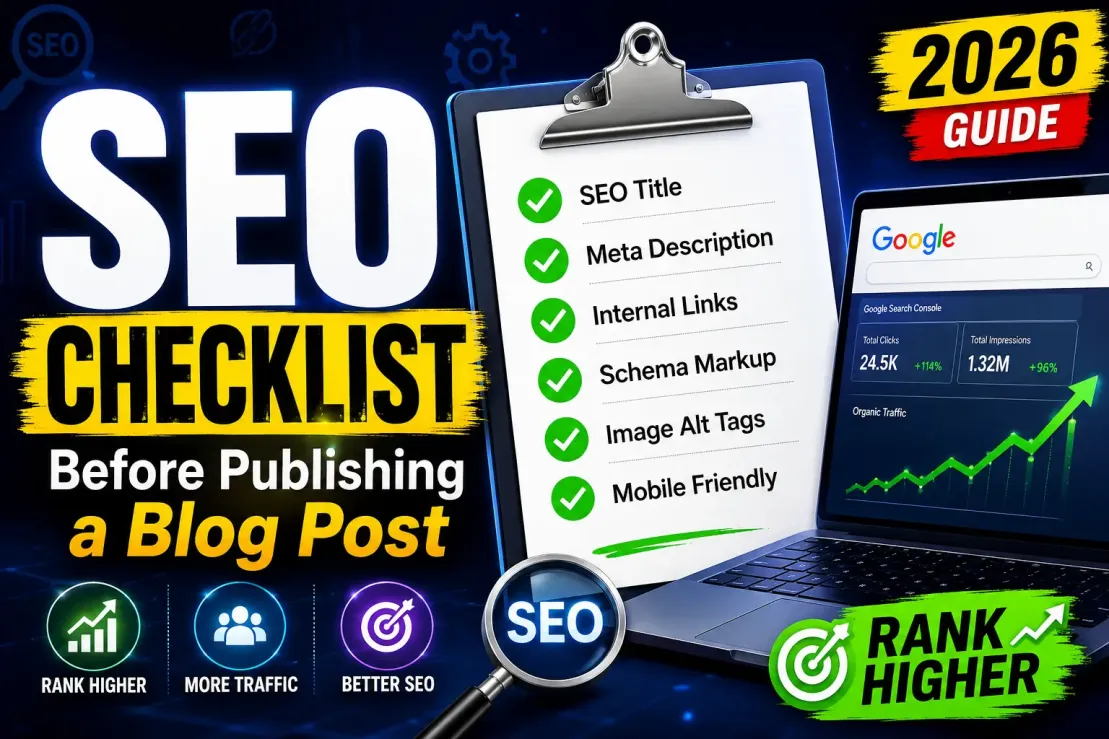
SEO Checklist Before Publishing a Blog Post: The Final Review That Separates Ranking Content From Invisible Content
1. The Information Gain Audit
If there is one thing you take away from the recent algorithm shifts, let it be this: Google is actively demoting pages that merely repackage what already exists on the web. During the March 2026 core update, templated and paraphrased content saw visibility drops of up to 50%, while generic AI content farms collapsed entirely.
Before publishing, ask yourself exactly what your post adds to the internet.
-
Do you have proprietary data? First-party benchmarks, customer survey results, or internal analytics are goldmine
-
Are you sharing lived experience? Include specific, granular details about a process you personally executed. Avoid vague theory.
-
Is there a unique framework? If you are discussing a common problem, present a named, original methodology to solve it rather than repeating the same five generic tips.
If your post does not score high on Information Gain, keep it in drafts until you can inject real-world evidence.
2. E-E-A-T and Author Entity Verification
Google's Search Quality Rater Guidelines made it clear long ago, but 2026 is the year it became an undeniable ranking filter. Anonymous content is effectively invisible
Your blog post needs to prove that a human being with actual expertise wrote it.
-
Kill the generic byline: "Editorial Team" or "Admin" bylines destroy trust. Ensure the post is attributed to a real, named author
-
Verify credentials: Your author bio should highlight relevant experience and link out to a verifiable professional profile, like LinkedIn.
-
Implement Person Schema: Use JSON-LD to clearly link the author entity to the brand entity. AI search engines rely heavily on these explicit entity relationships to determine trus
3. The 2MB HTML Limit Check
Here is a technical constraint that catches a shocking number of developers and SEOs off guard. Googlebot enforces a strict 2MB limit on the initial HTML file it fetches. Anything sitting below that 2 million byte threshold is entirely ignored—it isn't fetched, it isn't rendered, and it certainly isn't indexed.
If your blog post utilizes a bloated CMS template, massive blocks of inline CSS, or base64 encoded images, you might accidentally push your actual textual content past the cutoff.
-
Move Schema to the
<head>: Never let a plugin inject your critical JSON-LD structured data in the footer. If it falls past the 2MB mark, you lose your rich result eligibility instantly. -
Audit inline code: Strip out unnecessary inline JavaScript.
-
Check your canonical tags: If your canonical tag sits at the bottom of a heavy page, Google might miss it entirely, leading to duplicate content nightmares.
4. Generative Engine Optimization (GEO) Formatting
Traditional SEO got your link on the page. GEO gets your content cited inside AI summaries like Google's AI Overviews, Perplexity, and ChatGPT.
AI engines read differently than humans. They look for highly structured, confidently stated, easily extractable facts. To adapt your blog post for AI citation:
-
Flip the structure: The "TL;DR" belongs at the very top of the page, not the bottom. AI reads top-heavy. Answer the primary intent of the search query directly within the first 100 to 200 words.
-
Format headings as questions: Instead of a generic H2 like "Optimization Strategies," use "What are the best SEO optimization strategies for 2026?". AI models pattern-match headers to user queries.
-
Use crisp lists: Keep paragraphs short (two to three sentences maximum). Use bulleted lists for processes.
ALSO READ: Blog got rejected by adsense 5 times, how to make it proper workable
5. Interaction to Next Paint (INP) Validation
As of March 2024, First Input Delay (FID) was retired, and Interaction to Next Paint (INP) became the standard for responsiveness. Fast forward to 2026, and a staggering 43% of websites are still failing the 200-millisecond INP threshold.
If a user clicks a table of contents link or opens an interactive tool on your blog post and the page hesitates for half a second, you are failing a Core Web Vital.
Before launching a high-value piece of content, check how your template handles JavaScript execution. Defer non-critical third-party scripts (like heavy analytics or heatmaps) that might block the main thread and delay interaction rendering.
6. Navigating the Death of FAQ Rich Results
In May 2026, Google officially removed FAQ rich results from the search engine results pages (SERPs). The expandable dropdowns that SEOs used for years to monopolize screen real estate are gone
Does this mean you should delete your FAQ sections? Absolutely not.
While the cosmetic SERP feature was retired, the underlying Q&A structure is incredibly valuable for AI-powered search. AI Overviews and chat-based searches rely heavily on conversational intent. Keep your FAQs, ensure the answers are tight (40–60 words), and lead with a direct factual statement to maximize your chances of being extracted as an AI citation.
7. Core On-Page Fundamentals (The Non-Negotiables)
Even with all the modern AI and technical shifts, the foundational pillars of on-page optimization remain critical context signals.
-
Optimize the URL Slug: Keep it short, descriptive, and evergreen. Avoid including years (e.g., use
/seo-checklistinstead of/seo-checklist-2026) so you can update the post later without redirecting the URL -
Write a CTR-Driven Title and Meta Description: Make sure your H1 and Title Tag feature your primary keyword. Even though Google occasionally rewrites meta descriptions, a compelling, manually written 150-character summary still heavily influences organic click-through rates.
-
Media Optimization: Compress your images to under 100KB using modern formats like WebP or AVIF. Never use generic filenames. Update your alt text to be descriptive and contextually relevant.
-
Internal Link Distribution: Don't leave your new post orphaned. Link to 3-5 existing, highly relevant posts on your site, and critically, go back to older authoritative pages and add internal links pointing to your new post.
8. Review External References
Quality content rarely exists in isolation.
When discussing industry standards, search systems, analytics, performance metrics, or web technologies, referencing trusted organizations adds credibility.
Relevant sources may include:
- Google Search Central
- Google Analytics
- Google Search Console
- WordPress
- Cloudflare
- Mozilla
- Bing Webmaster Tools
External references should support the reader, not distract them.
9. Optimize Images Before Publishing
Large image files remain one of the most common performance problems across blogs.
Before publishing:
- Compress images
- Use descriptive filenames
- Add alt text
- Choose appropriate dimensions
- Serve modern formats where possible
Fast-loading pages create better user experiences and often correlate with stronger engagement metrics.
10. Verify Image Alt Text and Accessibility
Search engines cannot interpret images the same way humans do.
Get Extra 20% OFF
Launch your website today with ultra-fast, secure & premium hosting from Hostinger. Click to claim your deal!
Alt text helps provide context while also improving accessibility for users relying on screen readers.
Good alt text:
- Describes the image accurately
- Includes keywords only when natural
- Avoids keyword stuffing
Example:
Good: SEO checklist displayed on a blog publishing dashboard
Bad: SEO checklist SEO tips SEO blog optimization SEO ranking guide
Accessibility and SEO often overlap more than many publishers realize.
11. Test Mobile Readability
A large percentage of blog traffic now comes from mobile devices.
An article that looks perfect on a desktop monitor can become frustrating on a smartphone.
Before publishing, check:
- Font size
- Paragraph spacing
- Button placement
- Image responsiveness
- Table usability
- Ad placement
If readers must zoom, scroll horizontally, or fight intrusive elements, engagement often suffers.
ALSO READ: AI AUTOBLOGGING USING FOR 30 DAYS, HOW MUCH TRAFIIC I POSSESS
12. Check Page Speed and Performance
Performance has become a user experience issue as much as an SEO issue.
Slow pages increase:
- Bounce rates
- Abandonment
- User frustration
Before publishing, review:
- Image sizes
- Lazy loading
- Unused scripts
- Render-blocking resources
- Server response times
Tools commonly used include:
- Google PageSpeed Insights
- Lighthouse
- GTmetrix
- WebPageTest
A fast page does not guarantee rankings.
A slow page can absolutely cost them.
13. Validate Schema Markup
Structured data helps search engines understand content more effectively.
Depending on your content type, schema may include:
- Article Schema
- FAQ Schema
- Breadcrumb Schema
- Review Schema
- Video Schema
Proper implementation can increase eligibility for rich search results.
Many WordPress publishers use plugins that generate schema automatically, but verification remains essential.
14. Review Core Web Vitals
Google's Core Web Vitals focus on real-world user experience.
The three primary metrics are:
- Largest Contentful Paint (LCP)
- Interaction to Next Paint (INP)
- Cumulative Layout Shift (CLS)
Common Causes of Poor Scores
- Large hero images
- Excessive JavaScript
- Layout shifts from ads
- Slow hosting environments
Monitoring these metrics regularly provides a clearer picture of site health than rankings alone.
15. Confirm Proper Indexing Signals
Publishing content is not enough.
Get Extra 20% OFF
Launch your website today with ultra-fast, secure & premium hosting from Hostinger. Click to claim your deal!
Search engines must also understand how the page should be indexed.
Verify:
- No accidental noindex tags
- Correct canonical URLs
- XML sitemap inclusion
- Robots.txt accessibility
One incorrect setting can prevent an otherwise excellent article from appearing in search results.
16. Add Relevant Internal and Topical Context
Google increasingly evaluates content within a broader topic ecosystem.
Ask yourself:
Does this article connect logically to other content on the website?
For example, an SEO checklist article naturally connects to:
- Keyword research
- On-page SEO
- Technical SEO
- Content writing
- Search Console tutorials
- Blogging strategies
The strongest websites rarely rely on isolated pages.
They build interconnected topical authority.
17. Proofread Beyond Grammar
Grammar matters.
Clarity matters more.
During the final review, look for:
- Awkward phrasing
- Repetitive wording
- Unclear explanations
- Missing examples
- Broken formatting
Readers notice quality long before search engines do.
Many high-performing articles succeed because they are genuinely easier to understand.
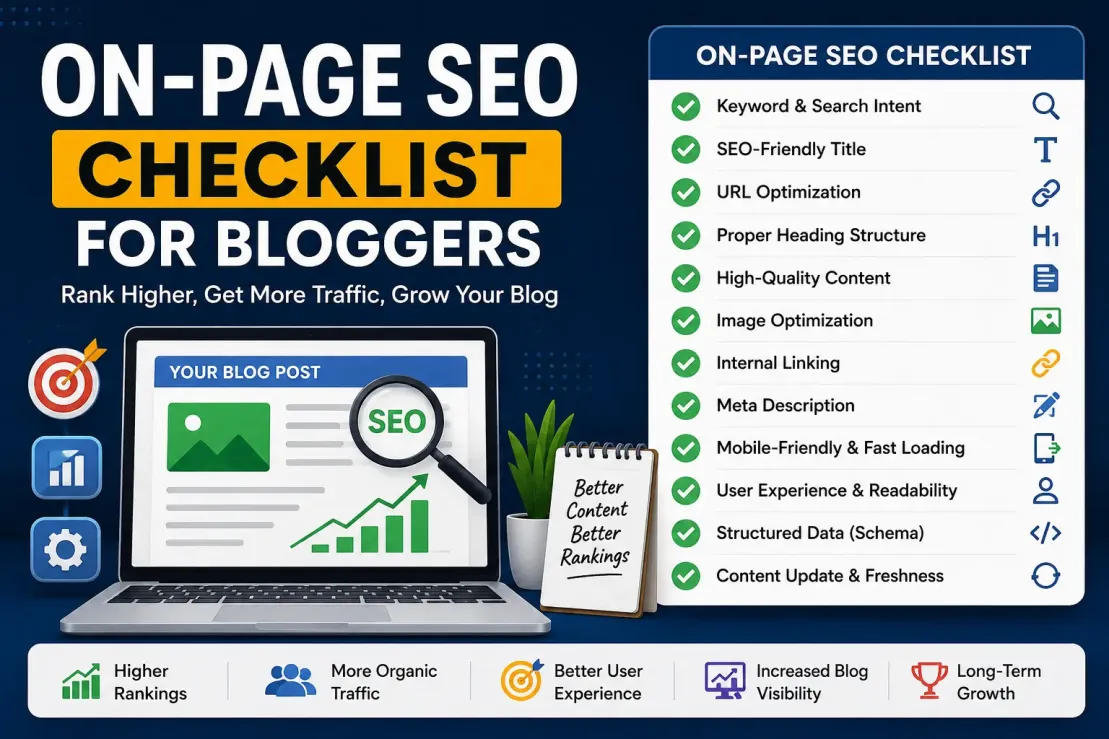
SEO Checklist Comparison Table
Pre-Publish SEO Checklist
| SEO Checklist Item | Status |
|---|---|
| SEO title is optimized | ✅ |
| Meta description is written | ✅ |
| URL is clean and SEO-friendly | ✅ |
| H1 tag is correct | ✅ |
| Headings follow proper hierarchy (H2, H3, H4) | ✅ |
| Primary keyword is naturally included | ✅ |
| Images are compressed and optimized | ✅ |
| Image alt text is added | ✅ |
| Internal links are present | ✅ |
| External references are relevant and trustworthy | ✅ |
| Schema markup is validated | ✅ |
| Mobile experience is tested | ✅ |
| Page speed is acceptable | ✅ |
| Noindex tags are absent | ✅ |
| Canonical URL is correct | ✅ |
If every box is checked, your content has a significantly stronger foundation for organic visibility.
Pros of Using a Publishing SEO Checklist
Pros
- Reduces optimization mistakes
- Improves consistency
- Supports better rankings
- Enhances user experience
- Strengthens content quality
- Improves indexing readiness
For most publishers, the benefits outweigh the drawbacks by a considerable margin.
Final Recommendations for bloggers
The most successful publishers rarely rely on luck.
They rely on systems.
A pre-publishing SEO checklist creates consistency across every article you publish. More importantly, it helps eliminate the small mistakes that quietly limit rankings, reduce visibility, and weaken user experience.
Search algorithms continue to evolve. User expectations continue to rise. Competition continues to grow.
Yet the fundamentals remain surprisingly stable.
Create genuinely useful content. Make it easy to understand. Ensure it loads quickly. Connect it to related topics. Help search engines interpret it correctly.
Then publish with confidence.
Because the best-performing blog posts are rarely the ones rushed online first—they are usually the ones reviewed carefully before anyone clicks the publish button.
We are operating in an era where the mechanics of search are fundamentally changing. Users want answers immediately, AI is synthesizing the web in real-time, and Google's algorithms are ruthlessly purging content that doesn't add unique value to the ecosystem.
Using an SEO checklist before publishing a blog post isn't about gaming the system anymore; it is about establishing proof. It is about proving your technical foundation is sound, proving your author entity is credible, and proving that your content deserves to exist.
Take the extra twenty minutes before you hit publish. Verify your Information Gain. Check your INP metrics. Structure your answers for the AI engines. The brands that maintain a high standard of editorial and technical rigor are the ones that will continue to thrive, long after the generic content farms have faded away.




💬 Comments (0)
🔒 Please login to post a comment.
Login Now