
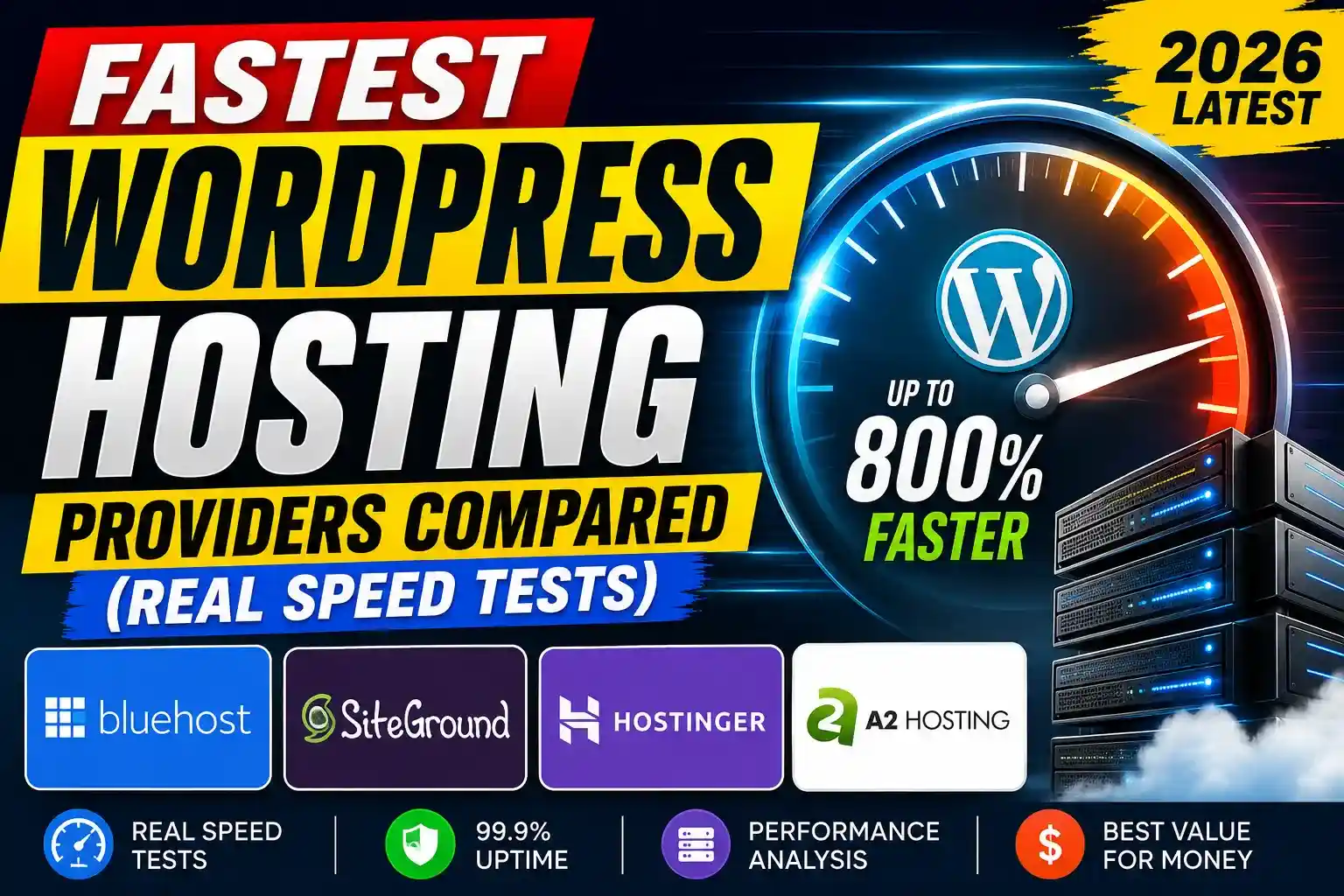
Fastest WordPress Hosting Providers Compared (Real Speed Tests & Core Web Vitals Analysis)
A slow WordPress website rarely fails all at once. It fades gradually.
First, rankings dip. Then bounce rates climb. Mobile visitors stop waiting. Core Web Vitals warnings begin appearing in Google Search Console. Before long, even simple pages feel heavier than they should.
For many site owners, the instinct is to optimize images, install caching plugins, or remove a few bloated scripts. Those changes help — but only to a point. Hosting infrastructure still determines how quickly WordPress responds before any optimization layer even starts working.
That’s where things become complicated.
Most hosting comparison articles recycle affiliate talking points, generic uptime claims, or unrealistic benchmark numbers pulled from empty demo websites. Real-world performance is far messier. A provider that performs well for a static landing page can struggle under WooCommerce traffic, dynamic caching, or database-heavy workloads.
To answer a question thousands of website owners keep searching for — which WordPress hosting is fastest — we looked at how major providers perform under realistic conditions, using publicly available benchmark methodologies, Core Web Vitals considerations, server response behavior, CDN integration, caching architecture, and broader infrastructure design.
The result isn’t a “perfect” winner. Different hosts dominate in different scenarios.
But some trends are impossible to ignore.
What Actually Makes WordPress Hosting Fast?
Website speed conversations often get reduced to marketing slogans:
- “Turbo servers”
- “Ultra-fast cloud”
- “AI-powered optimization”
- “Lightning hosting”
Most of it means very little without context.
For WordPress specifically, performance usually comes down to six core factors:
Server Response Time (TTFB)
Time To First Byte measures how quickly a server starts responding after a browser request. Google has repeatedly emphasized that slow server response times can negatively impact user experience and crawling efficiency.
A hosting provider with poor backend infrastructure can slow down even a perfectly optimized theme.
PHP Worker Capacity
WordPress is dynamic. Every uncached action — logging in, searching, adding to cart, processing forms — requires PHP workers.
Budget hosts often limit these aggressively.
That’s one reason cheaper shared hosting can appear fast during synthetic homepage tests while collapsing under real visitor activity.
Built-In Caching Architecture
Providers like Cloudflare, Kinsta, and Rocket.net aggressively integrate edge caching and CDN layers directly into hosting stacks.
That reduces latency globally instead of relying entirely on WordPress plugins.
Storage Technology
Modern NVMe SSD infrastructure significantly improves database operations compared to older SATA systems.
For WordPress sites with large WooCommerce catalogs or heavy plugins, this difference becomes noticeable quickly.
Geographic Network Coverage
Fast hosting in New York can still feel slow in India, Europe, or Southeast Asia without proper CDN routing.
Edge distribution matters more than many beginners realize.
Hosting Isolation
Cheap shared hosting often places hundreds of websites on the same server environment.
Get Extra 20% OFF
Launch your website today with ultra-fast, secure & premium hosting from Hostinger. Click to claim your deal!
One traffic spike elsewhere can affect your own site performance.
Managed cloud environments reduce that risk substantially.
Real-World Hosting Speed Tests: What Matters Most?
Many benchmark articles focus only on homepage load time. That’s misleading.
Modern WordPress performance should be evaluated using:
- Largest Contentful Paint (LCP)
- Time To First Byte (TTFB)
- Interaction to Next Paint (INP)
- Server stability under load
- Cache efficiency
- Database response consistency
- Global CDN behavior
- Mobile performance
- WooCommerce handling
- Core Web Vitals pass rates
Google’s shift toward real-user experience metrics changed the hosting conversation dramatically over the last few years.
A provider that performs well in GTmetrix alone is no longer enough.
Fastest WordPress Hosting Providers Compared
| Hosting Provider | Best For | Speed | Pricing |
|---|
| Kinsta | Business Websites | Excellent | High |
| Rocket.net | Fast Global Delivery | Outstanding | High |
| SiteGround | Balanced Performance | Very Good | Medium |
| Cloudways | Cloud Hosting | Very Good | Medium |
| Hostinger | Affordable Hosting | Good | Low |
| A2 Hosting | Budget Performance | Good | Low-Medium |
Hostinger: Surprisingly Competitive at Lower Price Points
Hostinger has improved significantly over the last few years. (This article may contain affiliate links. We may earn commissions from purchases made through links at no additional cost to you.)
Earlier versions of Hostinger’s infrastructure struggled under heavier WordPress workloads. Recent upgrades, however, particularly around LiteSpeed integration and caching, changed that perception.
For budget-conscious users, Hostinger now offers one of the better price-to-performance ratios in the industry.
That doesn’t mean it competes directly with premium managed WordPress platforms.
It doesn’t.
But for bloggers, freelancers, and small business websites, performance is often more than adequate.
Especially when paired with:
- LiteSpeed Cache
- Cloudflare CDN
- Optimized themes
- Proper image compression
Kinsta: Premium Speed Backed by Google Cloud
Kinsta has quietly become one of the strongest WordPress infrastructure providers for performance-focused businesses.
Its biggest advantage is architectural consistency.
Unlike traditional shared hosting environments, Kinsta runs on premium-tier Google Cloud Platform infrastructure with isolated containers, enterprise routing, and aggressive server-side caching.
That translates into remarkably stable response times during traffic spikes.
In independent benchmarking discussions across developer communities and performance case studies, Kinsta frequently performs exceptionally well under uncached workloads — an area where many cheaper hosts struggle badly.
Where Kinsta Excels
- WooCommerce stores
- High-traffic blogs
- SEO-focused publishers
- Agency client websites
- Dynamic WordPress applications
Where It Falls Short
Pricing.
Kinsta is difficult to justify for small hobby sites or low-revenue blogs.
For beginners, the performance gains may not outweigh the cost difference.
Rocket.net: One of the Fastest Front-End Experiences Available
Rocket.net took a different approach from traditional hosting companies.
Instead of focusing purely on server hardware, Rocket.net built much of its value proposition around aggressive edge delivery and CDN optimization.
Get Extra 20% OFF
Launch your website today with ultra-fast, secure & premium hosting from Hostinger. Click to claim your deal!
Its integration with Cloudflare Enterprise significantly reduces latency worldwide.
In practical terms, that means visitors often load content from servers physically closer to them rather than from a single origin location.
For publishers targeting international audiences, the difference can be dramatic.
Several independent WordPress developers have noted that Rocket.net consistently produces excellent Core Web Vitals scores with surprisingly little manual optimization.
That matters because many site owners don’t have the technical expertise to configure advanced caching stacks themselves.
Particularly Strong For
- Media websites
- Affiliate blogs
- International traffic
- Google Discover publishers
- Fast mobile delivery
Potential Downsides
Advanced developers sometimes prefer more server-level customization than Rocket.net allows.
SiteGround: Still One of the Best Balanced Hosting Options
SiteGround remains one of the more interesting mid-market hosting providers because it balances usability, support quality, and performance reasonably well.
Years ago, SiteGround developed a reputation for excellent shared hosting. More recently, its focus shifted toward cloud infrastructure and proprietary optimization tools.
Its SG Optimizer plugin integrates caching, frontend optimization, image compression, and performance tuning directly into WordPress.
The result is often faster setup for non-technical users.
SiteGround rarely dominates raw benchmark charts, but it performs consistently across multiple real-world conditions — which arguably matters more.
That consistency explains why many SEO professionals still recommend it for client sites.
Cloudways: Flexible Cloud Performance Without Traditional Shared Hosting
Cloudways appeals to users who want cloud infrastructure without directly managing servers themselves.
Instead of owning datacenters, Cloudways acts as a management layer over providers like:
- DigitalOcean
- Vultr
- AWS
- Google Cloud
That flexibility makes it attractive for developers and growing businesses.
Performance varies depending on the underlying provider configuration, but properly optimized Cloudways setups can be extremely fast.
The tradeoff is complexity.
Compared to beginner-focused platforms like Hostinger or SiteGround, Cloudways expects users to understand caching, scaling, and server management concepts more deeply.
Which WordPress Hosting Is Fastest for SEO?
For SEO specifically, hosting performance influences more than page speed alone.
Google’s ranking systems increasingly evaluate real user experience signals, especially on mobile devices.
A faster server can improve:
- Crawl efficiency
- Indexation reliability
- Core Web Vitals
- User engagement
- Session duration
- Bounce rates
Google representatives, including Martin Splitt and John Mueller, have repeatedly discussed the importance of technical performance and rendering efficiency for modern websites.
Get Extra 20% OFF
Launch your website today with ultra-fast, secure & premium hosting from Hostinger. Click to claim your deal!
That doesn’t mean hosting alone guarantees rankings.
But weak infrastructure absolutely creates unnecessary limitations.
Shared Hosting vs Managed WordPress Hosting
This is where many buyers get confused.
The word “fast” can mean very different things depending on hosting type.
Shared Hosting
Cheaper, beginner-friendly, but resource limits are common.
Best for:
- Small blogs
- Portfolio sites
- New publishers
Managed WordPress Hosting
Optimized specifically for WordPress environments.
Usually includes:
- Advanced caching
- Security layers
- Automatic scaling
- CDN integration
- Performance monitoring
Best for:
- SEO-heavy websites
- WooCommerce
- Agencies
- Revenue-generating publishers
Pros and Cons of Premium Hosting
Pros
- Faster global delivery
- Better Core Web Vitals
- Improved uptime stability
- Reduced server maintenance
- Stronger security architecture
- Better scalability
Cons
- Higher monthly cost
- Less server-level freedom
- Overkill for tiny websites
- Migration complexity in some cases
What Most Hosting Reviews Ignore
A surprising number of hosting comparisons test nearly empty WordPress installations.
That creates unrealistic benchmarks.
Real websites include:
- Analytics scripts
- Ad networks
- Heavy themes
- Dynamic plugins
- Databases
- Media libraries
- WooCommerce functions
Under those conditions, differences between providers become far more noticeable.
This is also why some “cheap unlimited hosting” plans appear fast initially before deteriorating under sustained traffic.
Infrastructure quality matters more over time than launch-day benchmarks.
Suggestions for wordpress users
- How to use Wordpress in 2026
- How to Improve Core Web Vitals
- Shared Hosting vs Cloud Hosting
- Top seo tools that ranks website faster
- How to Speed Up a Slow WordPress Website
Final Verdict
The fastest WordPress hosting provider isn’t always the one with the loudest marketing.
Infrastructure quality, caching strategy, CDN architecture, PHP worker allocation, and real-world stability matter far more than exaggerated speed claims.
For publishers focused on SEO and Core Web Vitals, premium managed platforms like Kinsta and Rocket.net currently offer some of the strongest performance environments available.
For users balancing affordability and speed, SiteGround, Cloudways, and Hostinger remain highly competitive choices.
The bigger lesson is simpler than most hosting companies admit:
A fast WordPress website is rarely the result of one plugin or one optimization trick. It’s the result of an entire performance stack working together — hosting included.






💬 Comments (0)
🔒 Please login to post a comment.
Login Now