
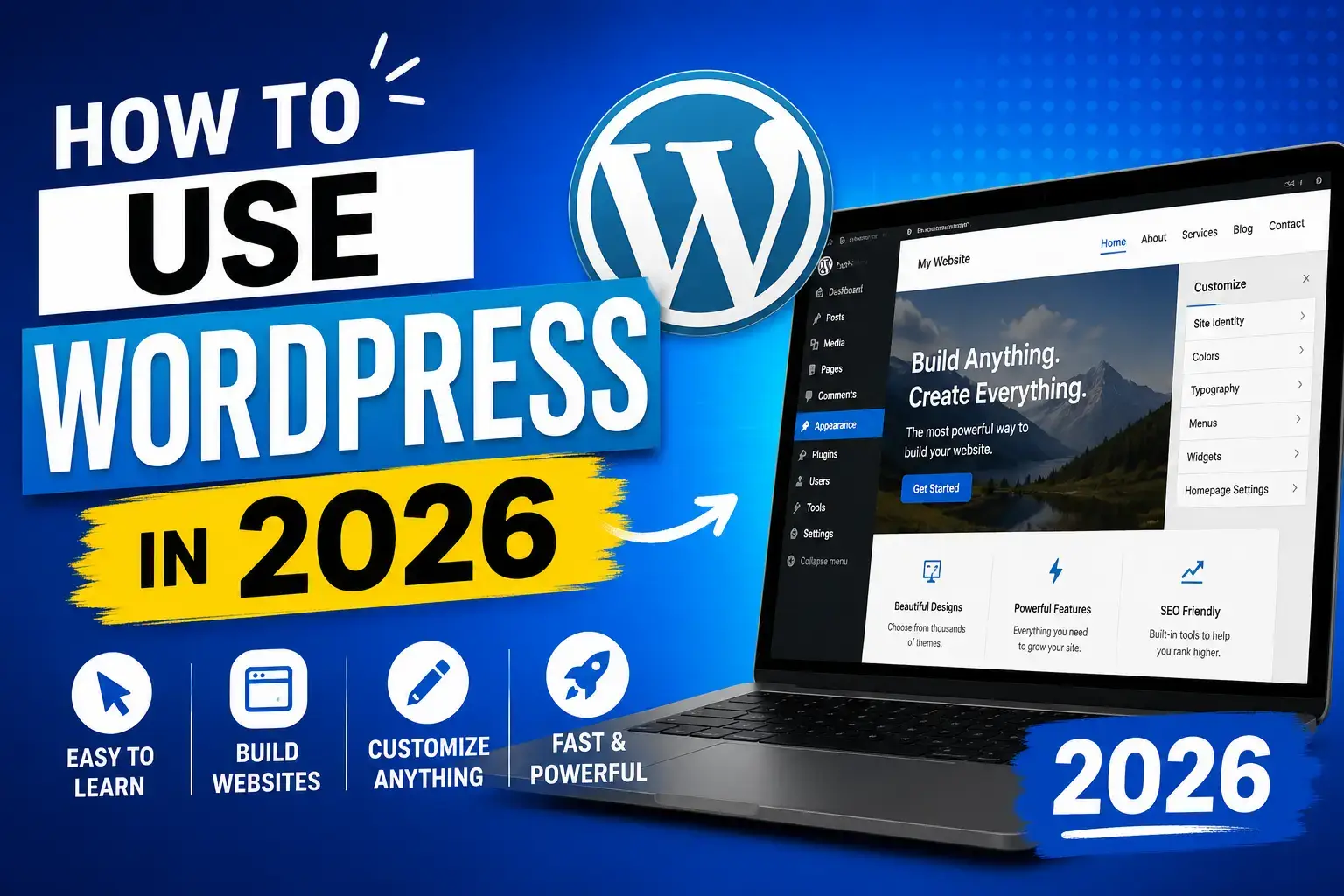
How to Use WordPress in 2026
If you want to build a website in 2026, WordPress is still the best platform for beginners, bloggers, businesses, and even professional developers. Whether you want to start a blog, create an online store, launch a portfolio, or make a business website, WordPress gives you everything you need without requiring advanced coding skills.
The best part is that WordPress has become smarter, faster, and easier to use in 2026. With AI tools, drag-and-drop editing, SEO optimization, and modern themes, anyone can create a professional website within a few hours.
In this complete beginner guide, you will learn how to use WordPress in 2026 step by step.
What is WordPress?
WordPress is a powerful content management system (CMS) that allows users to create and manage websites easily. It powers millions of websites around the world, including blogs, news websites, online stores, educational websites, and business platforms.
There are two versions of WordPress:
- WordPress.org – Self-hosted version with full control
- WordPress.com – Hosted version with limited flexibility
Most professionals recommend WordPress.org because it gives you complete ownership and customization options.
Why WordPress is Still Popular in 2026
Many people ask why WordPress is still dominating the internet in 2026 when so many website builders exist. The answer is simple: flexibility and freedom.
Here are the biggest reasons why people still choose WordPress:
- Easy for beginners
- SEO-friendly structure
- Thousands of themes and plugins
- Full website customization
- Supports blogs and eCommerce
- AI integration tools
- Mobile-friendly websites
- Huge community support
Whether you are a student, freelancer, entrepreneur, or content creator, WordPress can fit your needs perfectly.
Step 1: Buy a Domain and Hosting
Before using WordPress, you need two things:
- A domain name (your website name)
- Web hosting (server where website files are stored)
For example:
- Domain: yourwebsite.com
- Hosting: storage for your website
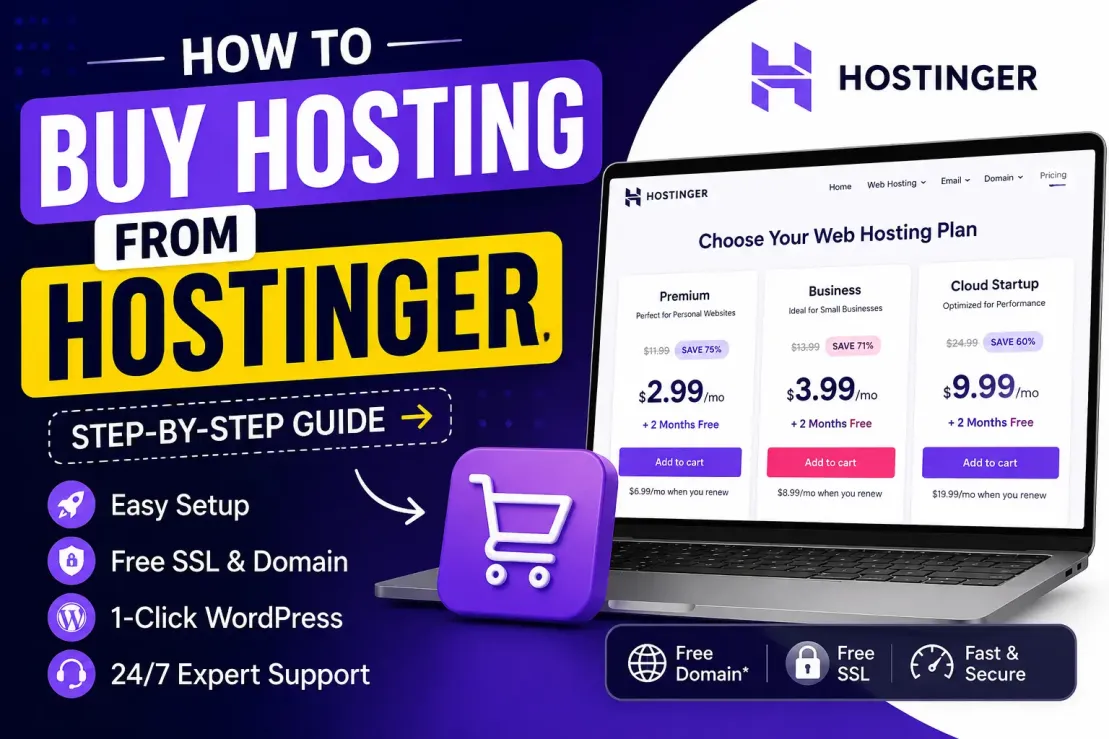
Popular hosting providers in 2026 include:
Choose a hosting plan that includes:
- Free SSL
- Fast loading speed
- One-click WordPress install
- Daily backups
- Good customer support
Step 2: Install WordPress
Most hosting providers now offer one-click WordPress installation.
Here is how you can install it:
- Login to your hosting account
- Open the control panel
- Find “Install WordPress”
- Enter your website details
- Create admin username and password
- Click Install
Within a few minutes, your website will be live.
You can access your dashboard through:
yourwebsite.com/wp-admin
This is the control center of your WordPress website.
Step 3: Understand the WordPress Dashboard
When you first open WordPress, the dashboard may look confusing. But after a few minutes, you will understand everything.
Get Extra 20% OFF
Launch your website today with ultra-fast, secure & premium hosting from Hostinger. Click to claim your deal!
Important sections include:
Posts
Used for blog articles and news content.
Pages
Used for static pages like:
- About Us
- Contact
- Privacy Policy
Appearance
Here you can:
- Change themes
- Customize design
- Edit menus
Plugins
Used to add extra features.
Settings
Manage your website basics like:
- Website title
- Time zone
- Permalink structure
The dashboard in 2026 is cleaner and more beginner-friendly compared to older versions.
Step 4: Choose a Modern WordPress Theme
A theme controls your website design.
In 2026, lightweight and SEO-friendly themes are very important because Google prefers fast websites.
Popular WordPress themes include:
To install a theme:
- Go to Appearance → Themes
- Click Add New
- Search your theme
- Click Install
- Activate the theme
Try to choose a simple, clean, and mobile-responsive theme.
Step 5: Install Important Plugins
Plugins add features to WordPress websites.
Think of plugins as apps for your website.
Here are essential plugins for 2026:
SEO Plugin
Security Plugin
Cache Plugin
Backup Plugin
Page Builder
Do not install too many plugins because they can slow down your website.
Step 6: Create Your First Pages
Every website needs important pages.
Start with these:
- Home Page
- About Page
- Contact Page
- Privacy Policy
- Blog Page
To create a page:
- Go to Pages
- Click Add New
- Write your content
- Click Publish
WordPress now includes advanced drag-and-drop editing, making page creation easier than ever.
Get Extra 20% OFF
Launch your website today with ultra-fast, secure & premium hosting from Hostinger. Click to claim your deal!
Step 7: Write Your First Blog Post
Blogging is still one of the best ways to grow traffic in 2026.
To create a blog post:
- Go to Posts
- Click Add New
- Add title
- Write content
- Add images
- Click Publish
Tips for better blog posts:
- Use short paragraphs
- Add headings
- Include images
- Write naturally
- Focus on user intent
Google now prefers helpful and human-friendly content instead of robotic AI text.
Step 8: Learn Basic SEO
SEO (Search Engine Optimization) helps your website rank on Google.
Without SEO, people may never find your website.
Important SEO tips in 2026:
Use Keywords Naturally
Include your target keyword naturally in:
- Title
- Meta description
- Headings
- Content
For example, this article targets:
“how to use WordPress in 2026”
Optimize Website Speed
Fast websites rank better.
Use Mobile-Friendly Design
Most visitors now come from smartphones.
Add Internal Links
Link related articles together.
Write Helpful Content
Google rewards useful content.
SEO is not about tricks anymore. It is about solving user problems better than competitors.
Step 9: Customize Your Website
You can fully customize WordPress websites.
You can:
- Change colors
- Add logos
- Create menus
- Add widgets
- Customize homepage
- Add animations
Modern page builders like Elementor make customization very easy without coding.
Step 10: Secure Your WordPress Website
Website security is very important in 2026 because cyber attacks are increasing.
Here are important security tips:
- Use strong passwords
- Enable two-factor authentication
- Keep plugins updated
- Use security plugins
- Backup your website regularly
A secure website protects your content and visitors.
Get Extra 20% OFF
Launch your website today with ultra-fast, secure & premium hosting from Hostinger. Click to claim your deal!
Step 11: Make Your Website Faster
Website speed directly affects:
- SEO rankings
- User experience
- Conversions
Ways to improve speed:
- Use lightweight themes
- Compress images
- Enable caching
- Use CDN services
- Avoid unnecessary plugins
Google Core Web Vitals are still extremely important in 2026.
Step 12: Monetize Your WordPress Website
After building your website, you can start earning money.
Popular methods include:
Google AdSense
Display ads on your website.
Affiliate Marketing
Promote products and earn commissions.
Sell Digital Products
Sell ebooks, notes, templates, or courses.
Freelance Services
Offer services through your website.
eCommerce Store
Use WooCommerce to create an online shop.
Many people now build full-time online businesses using WordPress.
Common Mistakes Beginners Make
Avoid these mistakes:
- Installing too many plugins
- Using heavy themes
- Ignoring SEO
- Not creating backups
- Publishing low-quality content
- Using copied content
Success with WordPress comes from consistency and quality.
Is WordPress Worth Learning in 2026?
Absolutely yes.
WordPress is still one of the most powerful website platforms in the world. Learning WordPress in 2026 can help you:
- Start a business
- Build a personal brand
- Earn online
- Create blogs
- Launch online stores
- Get freelance clients
Even AI website builders cannot fully replace WordPress because WordPress offers unmatched flexibility and ownership.
Final Thoughts
Learning how to use WordPress in 2026 is easier than ever before. You do not need coding knowledge or technical experience to create a professional website.
Start small, learn step by step, and focus on creating valuable content. Once you understand the basics of WordPress, you can build almost any type of website you imagine.
The internet continues to grow every year, and having your own website gives you a huge advantage in the digital world. Whether you want to blog, sell products, share knowledge, or build an online business, WordPress remains one of the smartest choices in 2026.


💬 Comments (1)
thisi sissddsf
🔒 Please login to post a comment.
Login Now