
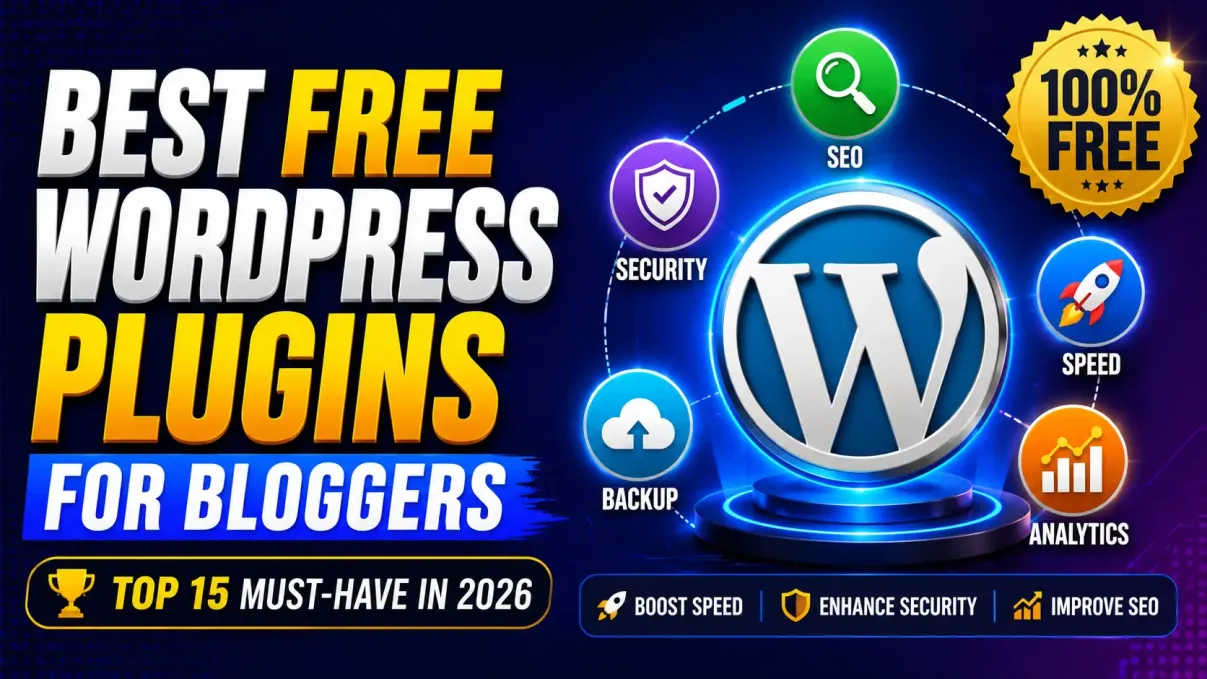
Best Free WordPress Plugins for Bloggers in 2026
WordPress powers millions of websites worldwide, and one of the biggest reasons behind its popularity is its massive plugin ecosystem. Whether you're a beginner blogger, niche website owner, affiliate marketer, or content creator, the right plugins can dramatically improve your website's performance, security, SEO, and user experience.
The best part? Many of the most powerful WordPress plugins are completely free.
In this guide, we'll explore the best free WordPress plugins for bloggers in 2026, explain what each plugin does, and provide real-world examples of how they can help you grow your blog.
Why Bloggers Need WordPress Plugins
A fresh WordPress installation is powerful, but it lacks many advanced features that modern bloggers need. Plugins allow you to extend your website's functionality without writing a single line of code.
With the right plugins, you can:
- Improve SEO rankings
- Increase website speed
- Protect your site from hackers
- Create contact forms
- Back up your content
- Track website traffic
- Improve user engagement
Think of plugins as apps for your website. Just as you install apps on your smartphone, plugins add new features to WordPress.
Quick Overview of the Best Free WordPress Plugins
| Plugin | Category | Best For |
|---|---|---|
| Rank Math SEO | SEO | Search engine optimization |
| LiteSpeed Cache | Speed Optimization | Faster loading times |
| Wordfence Security | Security | Website protection |
| UpdraftPlus | Backup | Automatic backups |
| WPForms Lite | Forms | Contact forms |
| Site Kit | Analytics | Traffic monitoring |
| Smush | Image Optimization | Faster image loading |
| Redirection | SEO & User Experience | Managing redirects |
| Akismet | Spam Protection | Blocking spam comments |
| Table of Contents Plus | Content Structure | Better readability |
1. Rank Math SEO
If you want your blog posts to rank on Google, Rank Math SEO is one of the best free plugins available today.
It helps you optimize:
- Meta titles
- Meta descriptions
- XML sitemaps
- Schema markup
- Internal linking suggestions
Example
Suppose you're writing an article titled:
"Best Laptops for Students"
Rank Math will analyze your content and suggest improvements such as:
- Adding the keyword in headings
- Improving readability
- Optimizing image alt text
- Increasing keyword usage naturally
This makes it easier for search engines to understand your content.
ALSO READ: SEO vs GEO which will give more traffic
2. LiteSpeed Cache
Website speed is a major ranking factor.
Visitors often leave a website if it takes more than a few seconds to load.
LiteSpeed Cache helps by:
- Caching pages
- Compressing files
- Optimizing CSS and JavaScript
- Improving Core Web Vitals
Example
A blog taking 5 seconds to load may drop to under 2 seconds after proper caching.
Faster websites generally experience:
Get Extra 20% OFF
Launch your website today with ultra-fast, secure & premium hosting from Hostinger. Click to claim your deal!
| Metric | Before | After |
| Load Time | 5.2 sec | 1.8 sec |
| Bounce Rate | 72% | 49% |
| User Engagement | Low | High |
3. Wordfence Security
Security should never be ignored.
Wordfence is one of the most trusted WordPress security plugins available.
Features include:
- Firewall protection
- Malware scanning
- Login security
- Brute-force attack prevention
Example
Imagine someone tries to guess your WordPress password hundreds of times.
Wordfence automatically blocks suspicious login attempts before attackers gain access.
ALSO READ: WordPress Login not working
4. UpdraftPlus
Every blogger should have backups.
Imagine accidentally deleting your website or losing data due to a hosting issue.
UpdraftPlus allows you to:
- Schedule backups
- Restore your site easily
- Store backups safely
Example
You update a plugin and your website crashes.
Instead of rebuilding everything, simply restore yesterday's backup within minutes.
5. WPForms Lite
Every blog needs a contact page.
WPForms Lite makes creating forms simple through drag-and-drop functionality.
You can create:
- Contact forms
- Feedback forms
- Inquiry forms
- Newsletter forms
Example
A reader wants to contact you regarding a guest post opportunity.
Instead of displaying your email publicly, visitors can use a secure contact form.
6. Site Kit by Google
Site Kit connects your WordPress website with important Google services.
It integrates:
Get Extra 20% OFF
Launch your website today with ultra-fast, secure & premium hosting from Hostinger. Click to claim your deal!
- Google Analytics
- Google Search Console
- PageSpeed Insights
- AdSense
Example
You can quickly see:
- Which pages receive the most traffic
- Which keywords bring visitors
- How users interact with your website
This data helps you make smarter content decisions.
7. Smush
Large images can slow down websites.
Smush automatically compresses images without noticeably reducing quality.
Benefits include:
- Faster loading pages
- Better user experience
- Improved SEO performance
Example
An image originally sized at 2MB can often be reduced significantly while maintaining visual quality.
This improves website speed and saves bandwidth.
8. Redirection
Broken links create a poor user experience and can negatively impact SEO.
The Redirection plugin helps you:
- Manage 301 redirects
- Fix broken links
- Track redirect errors
Example
You change:
example.com/best-wordpress-themes
to
example.com/top-wordpress-themes
Without a redirect, visitors encounter a 404 error.
Redirection automatically sends visitors to the correct page.
9. Akismet Anti-Spam
Spam comments can become a major problem as your blog grows.
Akismet automatically filters suspicious comments.
Example
A blog receiving 500 spam comments monthly can reduce moderation workload dramatically with Akismet.
Get Extra 20% OFF
Launch your website today with ultra-fast, secure & premium hosting from Hostinger. Click to claim your deal!
Benefits include:
- Cleaner comment sections
- Better user experience
- Less manual moderation
10. Table of Contents Plus
Long articles are easier to read when they include a table of contents.
This plugin automatically generates navigation links for your headings.
Example
A 3,000-word guide may contain:
- Introduction
- SEO Basics
- Keyword Research
- On-Page SEO
- Technical SEO
- Conclusion
Visitors can jump directly to the section they need.
This improves user engagement and readability.
How Many Plugins Should Bloggers Install?
Many beginners believe more plugins equal more features.
That's not always true.
Instead of focusing on quantity, focus on quality.
Recommended Plugin Setup
| Purpose | Recommended Plugin |
| SEO | Rank Math SEO |
| Speed | LiteSpeed Cache |
| Security | Wordfence |
| Backup | UpdraftPlus |
| Forms | WPForms Lite |
| Analytics | Site Kit |
| Images | Smush |
| Redirects | Redirection |
For most blogs, 8–15 well-maintained plugins are more than enough.
ALSO READ: BEST CHATGPT PROMPTS FOR STUDENTS
Common Plugin Mistakes Bloggers Make
Avoid these common mistakes:
Installing Too Many Plugins
Excessive plugins can slow down your website.
Ignoring Updates
Outdated plugins can create security vulnerabilities.
Using Duplicate Plugins
Avoid installing multiple plugins that perform the same function.
Downloading From Untrusted Sources
Always install plugins from trusted sources and reputable developers.
Last Recommendation for Bloggers
Choosing the right WordPress plugins can make a huge difference in your blogging journey. The plugins discussed in this guide help improve SEO, security, speed, backups, analytics, and overall user experience.
If you're just starting out, begin with Rank Math SEO, LiteSpeed Cache, Wordfence Security, UpdraftPlus, and Site Kit. These five plugins alone provide a solid foundation for most WordPress blogs.
As your website grows, you can add additional plugins based on your specific needs. Remember that successful blogging isn't about installing dozens of plugins—it's about using the right tools effectively.
By combining quality content with these powerful free WordPress plugins, you'll be well-positioned to grow your traffic, improve rankings, and create a better experience for your readers in 2026 and beyond.





💬 Comments (0)
🔒 Please login to post a comment.
Login Now