
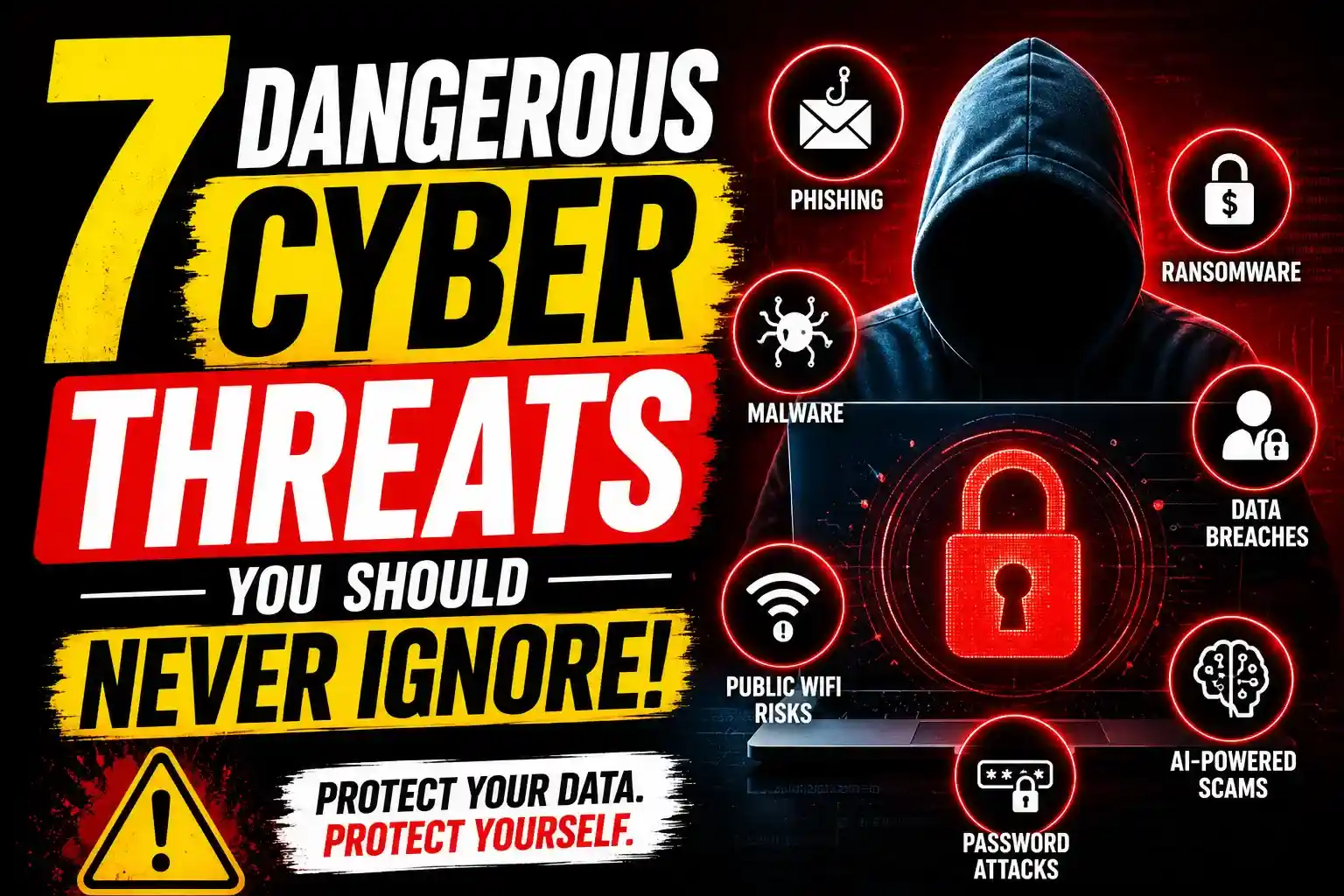
7 Dangerous Cyber Threats You Should Never Ignore
A hacked email account rarely starts with something dramatic.
Most people notice smaller signs first — a login alert they don’t recognize, strange password reset emails, missing files, random charges, or social media posts they never made. By the time panic sets in, the damage is often already underway.
Cybercrime has become quieter, smarter, and far more personal. Attackers are no longer focused only on large corporations. Students, freelancers, remote workers, gamers, online shoppers, and small business owners are now regular targets because they’re easier to reach and often less protected.
The uncomfortable reality is this: many dangerous cyber threats don’t look dangerous at all in the beginning.
Some arrive through fake invoices. Others hide inside browser extensions, public WiFi networks, AI-generated emails, or even harmless-looking text messages.
Understanding how these threats work is no longer optional. It’s basic digital survival.
This guide breaks down seven cyber threats causing the biggest problems right now — along with practical ways to protect yourself before things spiral out of control.
Why Cyber Threats Are Getting Harder to Detect
A few years ago, scam emails were easier to spot. Bad grammar, suspicious links, strange formatting — most people could identify them quickly.
That’s changed.
Modern cybercriminals now use:
- AI-generated phishing messages
- Deepfake audio and video
- Stolen personal data from old breaches
- Fake login pages that look identical to real websites
- Malware designed to stay invisible for weeks
The result is a much more believable attack environment.
Even tech-savvy users sometimes get caught off guard.
According to Microsoft Security and Google Safety Center, phishing, credential theft, and ransomware remain among the fastest-growing online threats globally.
1. Phishing Attacks Are Smarter Than Ever
Phishing still causes an enormous amount of damage because it targets human behavior rather than software vulnerabilities.
Attackers impersonate trusted services such as:
- Banks
- Streaming platforms
- Delivery companies
- Universities
- Cloud storage providers
- Employers
The goal is usually simple: steal passwords, payment details, or account access.
The newest phishing campaigns don’t feel fake. Some copy official branding perfectly. Others use personalized details pulled from leaked databases to appear legitimate.
Common Signs of Phishing
- Urgent language demanding immediate action
- Login links sent through email or SMS
- Attachments you weren’t expecting
- Fake security alerts
- Slightly misspelled domains
A Practical Habit That Helps
Instead of clicking links directly from emails, manually open the website yourself.
That one small habit prevents an enormous number of account compromises.
[Internal Link: How To Detect Fake Login Pages]
2. Ransomware Can Destroy Years of Work Overnight
Ransomware attacks used to target mainly large organizations.
Now freelancers, creators, small businesses, and even students are getting hit.
Get Extra 20% OFF
Launch your website today with ultra-fast, secure & premium hosting from Hostinger. Click to claim your deal!
Ransomware encrypts files and locks devices until payment is made — usually in cryptocurrency.
The worst part isn’t always the ransom itself.
It’s the downtime, lost client trust, corrupted backups, and irreversible data loss that follow.
How Ransomware Usually Spreads
- Fake downloads
- Cracked software
- Email attachments
- Outdated operating systems
- Infected USB devices
Warning Signs
- Sudden file encryption
- Strange file extensions
- Locked desktop screens
- Disabled antivirus tools
- System slowdown before encryption begins
Prevention Matters More Than Recovery
Many victims never fully recover their files, even after paying.
A surprisingly large number of ransomware incidents happen because users delayed software updates for months.
That’s one reason companies like CrowdStrike and Bitdefender strongly emphasize patch management and offline backups.
3. Malware and Spyware Quietly Monitor Everything
Not all malware announces itself loudly.
Some threats operate silently in the background for weeks while collecting:
- Passwords
- Banking information
- Browser history
- Saved credentials
- Webcam access
- Clipboard data
Spyware has become especially concerning for remote workers and online creators because attackers often target browsers, cloud tools, and communication apps.
Devices Most Commonly Affected
| Device Type | Common Risk |
|---|---|
| Windows PCs | Fake downloads, cracked software |
| Android Phones | Malicious apps |
| Macs | Fake browser updates |
| Browsers | Dangerous extensions |
| Public Computers | Credential theft |
A Mistake Many Users Make
People often assume antivirus software alone is enough.
It isn’t.
Browser hygiene matters just as much:
- Remove extensions you don’t use
- Avoid pirated software
- Download apps only from official sources
- Review permissions regularly
[Internal Link: Best Free Cyber Security Tools for Beginners]
4. Password Attacks Are Shockingly Effective
Weak passwords continue to cause avoidable breaches.
Attackers use automated tools that can test millions of password combinations within minutes.
Credential stuffing is another growing issue. If your password leaked in one breach, criminals will try that same password across dozens of websites.
And many people still reuse passwords.
Most Dangerous Password Habits
- Reusing passwords
- Using birthdays or names
- Saving passwords in notes apps
- Ignoring two-factor authentication
- Sharing passwords casually
Strong Password Practices That Actually Work
| Weak Practice | Safer Alternative |
|---|---|
| Reusing passwords | Use a password manager |
| Simple passwords | Use long passphrases |
| SMS-only security | Enable authenticator apps |
| Storing passwords manually | Use encrypted vaults |
Trusted password management tools from companies like 1Password and Bitwarden have made secure password storage far easier than it used to be.
5. Public WiFi Can Expose More Than You Think
Free airport WiFi sounds convenient until you realize someone else on the network may be monitoring traffic.
Public networks remain one of the easiest environments for attackers to exploit because many users assume the connection itself is trustworthy.
Get Extra 20% OFF
Launch your website today with ultra-fast, secure & premium hosting from Hostinger. Click to claim your deal!
It often isn’t.
Risks Associated With Public WiFi
- Fake hotspots
- Session hijacking
- Credential interception
- Data sniffing
- Malware distribution
Places Where This Happens Frequently
- Airports
- Cafes
- Hotels
- Shopping malls
- Universities
- Co-working spaces
Safer Browsing Habits
If you regularly work remotely or travel frequently:
- Avoid logging into banking apps on public networks
- Use a reputable VPN
- Disable automatic WiFi connections
- Turn off file sharing
A surprising number of people connect to WiFi purely based on familiar names like “Airport_Free_WiFi” without verifying legitimacy.
That mistake alone has led to countless stolen credentials.
6. AI-Powered Scams Are Becoming Extremely Convincing
Artificial intelligence has improved productivity in many ways, but cybercriminals are using the same technology aggressively.
AI-generated scams now include:
- Fake customer support chats
- Human-like phishing emails
- Deepfake voice calls
- Fake job interviews
- AI-generated investment scams
Some scams are disturbingly realistic.
There have already been reported cases of employees transferring money after hearing what sounded like their manager’s voice on a phone call — except it wasn’t real.
Why AI Scams Work So Well
Attackers can now:
- Personalize messages quickly
- Mimic natural human conversation
- Generate fake images and voices
- Scale attacks globally
A Good Rule to Follow
If money, passwords, or sensitive information are involved, verify through another channel.
A quick phone call or direct confirmation can prevent serious financial damage.
[Internal Link: How AI Is Changing Cyber Security]
7. Data Breaches Create Long-Term Risk
A data breach doesn’t end once headlines disappear.
Leaked information often circulates online for years.
That data may include:
- Email addresses
- Passwords
- Phone numbers
- Credit card details
- Home addresses
- Government IDs
Cybercriminals combine breached information from multiple sources to build detailed profiles on targets.
That’s why older breaches still cause problems years later.
How to Check if Your Data Was Exposed
Trusted services like Have I Been Pwned allow users to check whether their email addresses appeared in known breaches.
If your information appears:
- Change affected passwords immediately
- Enable multi-factor authentication
- Watch for suspicious login attempts
- Monitor financial activity carefully
Which Cyber Threat Is Most Dangerous?
There’s no universal answer because risks vary depending on behavior and exposure.
For example:
Get Extra 20% OFF
Launch your website today with ultra-fast, secure & premium hosting from Hostinger. Click to claim your deal!
| User Type | Biggest Risk |
|---|---|
| Students | Phishing scams |
| Freelancers | Ransomware |
| Small businesses | Credential theft |
| Gamers | Malware downloads |
| Remote workers | Public WiFi attacks |
| Online shoppers | Fake payment pages |
The biggest vulnerability is often not technology — it’s routine behavior.
Small habits usually determine whether attacks succeed.
Practical Cyber Security Habits That Make a Real Difference
People often look for one “perfect” security tool.
Real protection usually comes from layered habits instead.
Strong Everyday Security Practices
- Use unique passwords everywhere
- Enable two-factor authentication
- Update devices regularly
- Back up important files offline
- Avoid suspicious downloads
- Review account activity often
- Remove unused apps and extensions
- Use reputable antivirus software
- Google is preparing for a major transformation in the internet
None of these steps are complicated individually.
Together, they dramatically reduce risk.
The Psychological Side of Cyber Attacks
One thing many security discussions ignore is emotional manipulation.
Cybercriminals rely heavily on:
- Panic
- Urgency
- Fear
- Curiosity
- Greed
- Trust
That’s why scam messages often say:
- “Your account will be suspended”
- “Immediate action required”
- “You’ve won a prize”
- “Payment failed”
- “Security alert”
The technology matters, but human psychology remains the real battlefield.
Slowing down before clicking anything suspicious is still one of the most effective defenses available.
Frequently Asked Questions
What is the most common cyber threat today?
Phishing remains one of the most common and effective cyber threats because attackers target human behavior instead of technical vulnerabilities.
Can antivirus software stop all cyber attacks?
No. Antivirus software helps, but safe browsing habits, strong passwords, software updates, and two-factor authentication are equally important.
Are small businesses targeted by hackers?
Yes. Small businesses are frequently targeted because they often have weaker security systems compared to large enterprises.
Is public WiFi dangerous?
Public WiFi can expose your data if the network is unsecured or fake. Avoid sensitive logins on public networks whenever possible.
What should I do after a data breach?
Change passwords immediately, enable multi-factor authentication, monitor financial accounts, and review suspicious login activity.
How do hackers steal passwords?
Hackers commonly use phishing attacks, malware, credential stuffing, and fake login pages to capture passwords.
Final recommandations
Cyber threats don’t always arrive with obvious warning signs.
Sometimes they look like a normal email, a harmless app download, a WiFi connection, or a routine login request.
That’s exactly why they work.
The safest internet users aren’t necessarily cybersecurity experts. They’re usually the people who develop cautious habits early and stay consistent with them.
A few practical changes — stronger passwords, better browsing habits, updated software, and slower decision-making online — can prevent problems that might otherwise become expensive and stressful very quickly.
Digital safety has become part of everyday life now, not just something reserved for IT professionals.







💬 Comments (0)
🔒 Please login to post a comment.
Login Now