Advertisement Contact for advertisement: proainexsupport@gmail.com
 // Loading...Copy the Code: Copy the entire code I provided earlier, from the very beginning <!DOCTYPE html> down to the very end </html>.
Open a Text Editor: Open any basic or advanced text editor on your computer (such as Notepad, VS Code, or Sublime Text).
Paste and Save: Paste the copied code into the editor and save the file with an .html extension (For example: tasksuite.html or index.html).
Run the Application: Double-click the saved file. It will open directly in your default web browser (Chrome, Edge, Safari, etc.). Your software is now live and ready to use!
On the left side, you will find the navigation panel to switch between different workspaces:
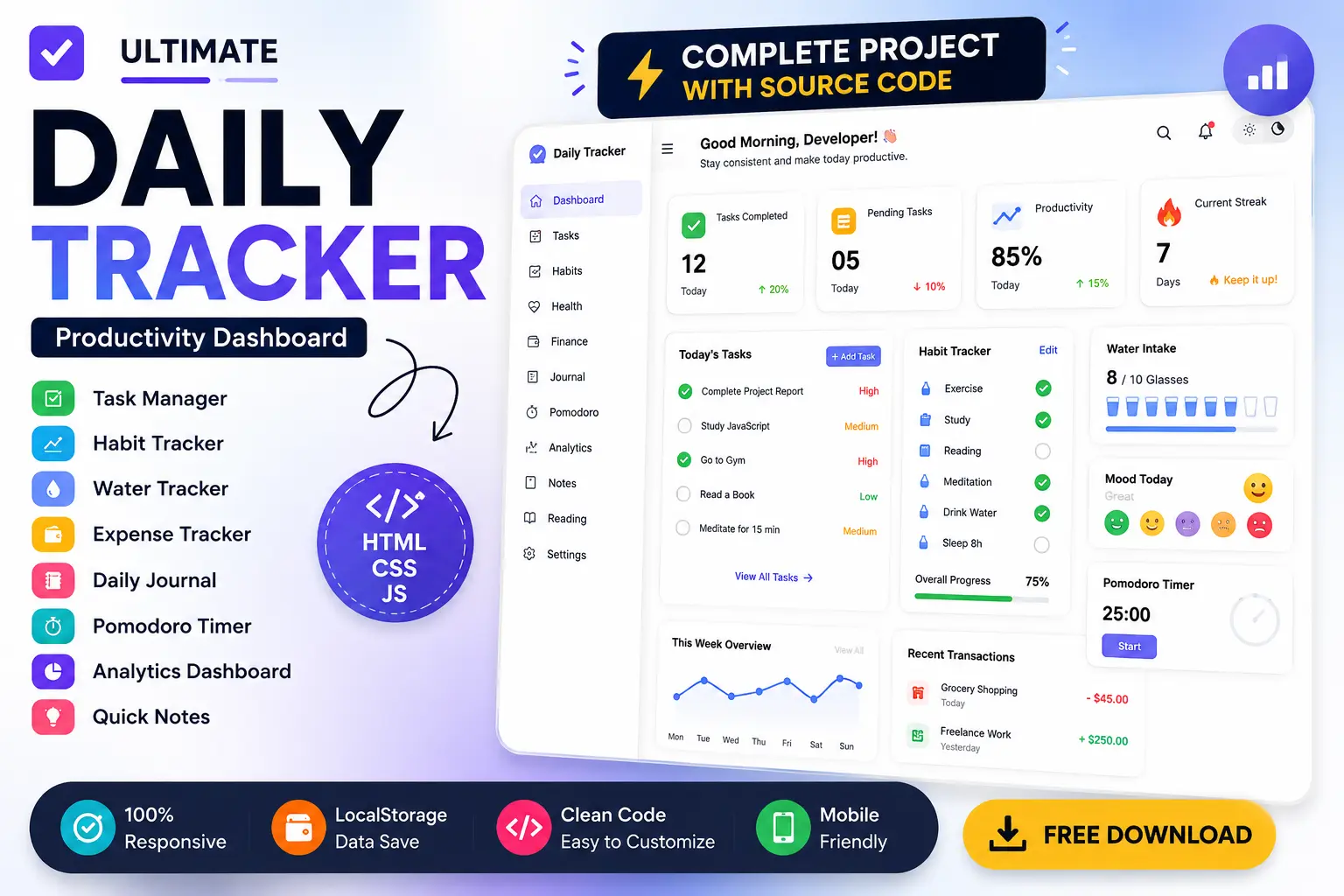
Dashboard: Displays your overall task statistics, recent tasks stream, daily streaks, and the Pomodoro timer.
Kanban Board: The visual pipeline where you can smoothly Drag & Drop tasks.
Analytics: Shows a categorized, visual performance chart of your workload distribution.
Create New: Click the "+ Add New Task" button in the top right corner.
Fill Details: Enter the task name, operational description, target due date, time, priority tier (High/Medium/Low), and custom Tags (e.g., #urgent, #office). Click "Commit State" to save the task.
Edit/Delete: Every task card features an edit (pencil icon) and delete (trash icon) button at the bottom for quick management.
Select Kanban Board from the sidebar.
You will see 3 distinct columns: Backlog / To Do, In Progress Space, and Deployment Completed.
Click and hold any task card, drag it across the screen to another column, and drop it. Its status updates instantly and saves securely to your browser's LocalStorage. It will stay exactly where you left it, even if you close and reopen the browser tomorrow.
The Dashboard features a built-in Pomodoro Engine. When you need to focus deeply on a task, hit Start. This triggers a standard 25-minute focus countdown.
Completing tasks regularly helps you build and maintain your Current Streak, keeping your momentum high.
Dark Mode Toggle: There is a Moon 🌙 icon in the top navigation bar. Click it to instantly switch the entire interface between Light and Dark mode.
Color Themes: Click on "Configurations" in the sidebar. From the dropdown, you can select your preferred chromatic theme palette (Blue, Purple, Green, Orange, Red). The system remembers your choice automatically.
Because this application saves your data locally inside your browser (which is safe until you clear your browser cache), it includes a powerful backup engine:
Open "Backup & Data" from the sidebar.
Export JSON: Clicking this generates a backup file of all your current tasks and downloads it to your PC. If you want to move your work to a different computer, simply download this file.
Import File: On your new computer (or if you ever accidentally clear your cache), select that same file under the "Restore System State" option. Your entire Kanban board, tasks, and progress will be restored instantly!
HTML5, CSS3, JavaScript
The Ultimate To-Do List App is a productivity and task management application built using HTML, CSS, and JavaScript. It helps users organize tasks, manage priorities, track progress, and improve productivity.
Yes, the application includes a drag-and-drop Kanban Board with To Do, In Progress, and Completed task sections.
Yes, the project includes a built-in Pomodoro Timer to help users improve focus and productivity while working on tasks.
Yes, users can export tasks and productivity data in formats such as PDF, CSV, and JSON depending on the project configuration.
Yes, the application is fully responsive and optimized for desktops, tablets, and mobile devices.
This project is developed using HTML5, CSS3, JavaScript, Local Storage API, Chart.js, and modern responsive UI techniques.