Advertisement Contact for advertisement: proainexsupport@gmail.com
 // Loading...If you just want to use it privately on your own device:
Copy the code from the previous response.
Create a new file on your computer and name it index.html.
Paste the code into that file and save it.
Double-click index.html to open it in any modern web browser (Chrome, Edge, Safari, or Firefox).
To make this tool available to the public on your domain (proainex.com):
Log in to your hosting control panel.
Go to File Manager → public_html.
Create a folder named compressor.
Upload your index.html file into that folder.
Your tool will be live at: [https://proainex.com/compressor](https://proainex.com/compressor)
Create a new repository on GitHub.
Upload the index.html file.
Go to Settings > Pages and set the source to the main branch.
GitHub will give you a free URL to share the tool.
Once the page is open, follow these steps to get the best result:
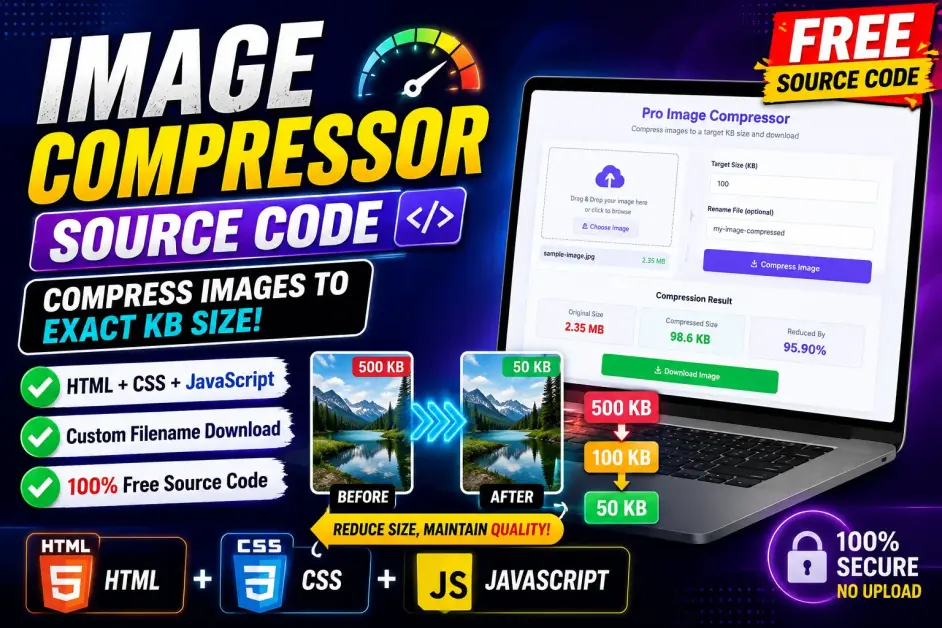
Select File: Tap the dashed upload area to select a PDF from your device.
Set Target KB:
Look at your Original Size (e.g., 750 KB).
Enter your Target Size (e.g., 100).
Note: If you set the target too low (like 5 KB for a 50-page document), the quality will be very blurry.
Rename: Enter the name you want the file to have after it downloads.
Compress: Click Start Compression.
The tool will run "Passes." It is testing different quality settings automatically to see which one gets closest to your number.
Download: Once the progress bar hits 100%, check the Final Output Size. If you are happy with it, click the green Download button.
Why it's secure: This tool uses Client-Side Processing. This means the PDF never leaves the user's phone or computer. The "Storage Device" (RAM and Browser Cache) does all the work.
The "Raster" Method: This tool turns PDF pages into images. This is the only way to guarantee a smaller size for most PDFs in a browser. Because of this, the text in the final PDF will be an image (not searchable or highlightable).
Size Limits: Large PDFs (50+ MB or 100+ pages) might slow down older mobile devices. For standard documents (1–10 pages), it is near-instant.
HTML5, CSS3, JavaScript
It is a web-based PDF compression tool built using HTML, CSS, and JavaScript that helps reduce PDF file sizes through a simple browser interface.
Yes, the PDF Compressor is fully responsive and optimized for mobile phones, tablets, and desktop devices.
Yes, it can display original file size, estimated compressed size, and file information in KB and MB.
Yes, the HTML, CSS, and JavaScript code can be modified to match your website branding and requirements.
This source code version is branded and published by Proainex for educational and development purposes.